


What is LabVIEW?
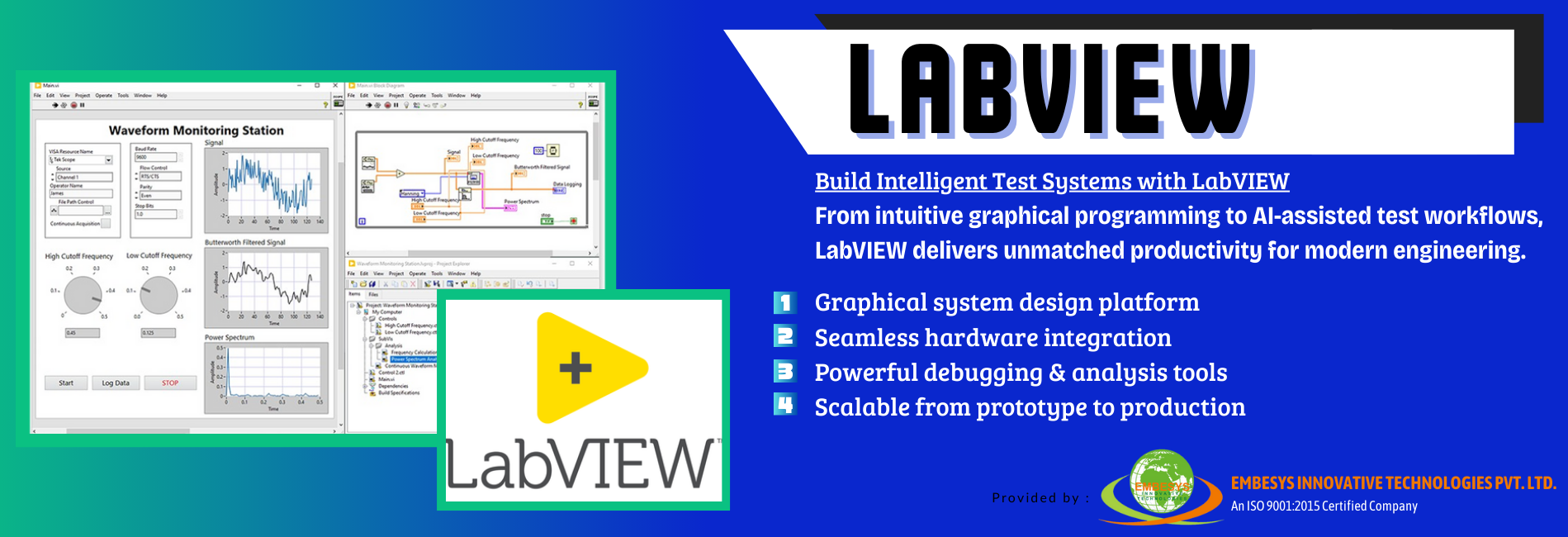
Laboratory Virtual Instrument Engineering Workbench (LabVIEW) is a graphical programming environment that provides unique productivity accelerators for test system development, such as an intuitive approach to programming, connectivity to any instrument, fully integrated user interfaces, and the test-optimized NI Nigel™ AI Advisor.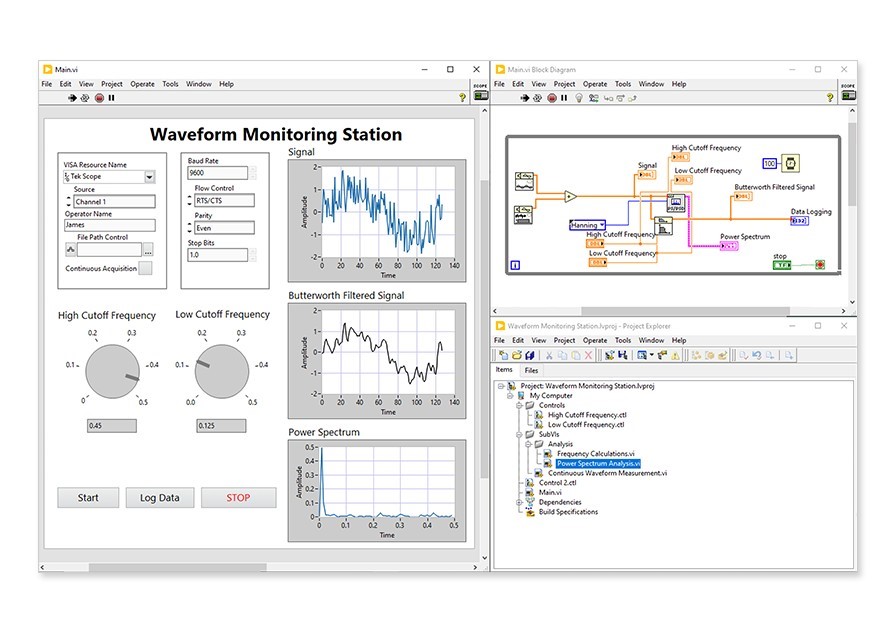
 Acquire Data from and Control Any Instrument
 Monitor and Interact with Your Test with a Native User Interface
 Gain Insights from Data with Built-In Analysis Functions
 Connect to Any System by Using Industry Protocols
 Develop Applications Faster with Graphical Programming
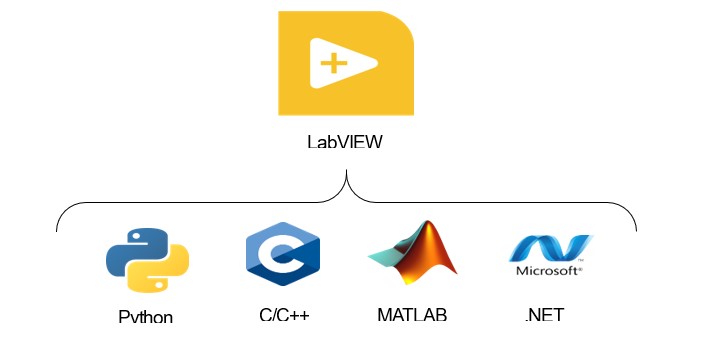
 Add and Re-Use Code from Other Languages such as Python, C, .Net
1. Graphical Programming
- LabVIEW uses G, a graphical, high-level programming language.
- Interactive debugging and automatic compilation.
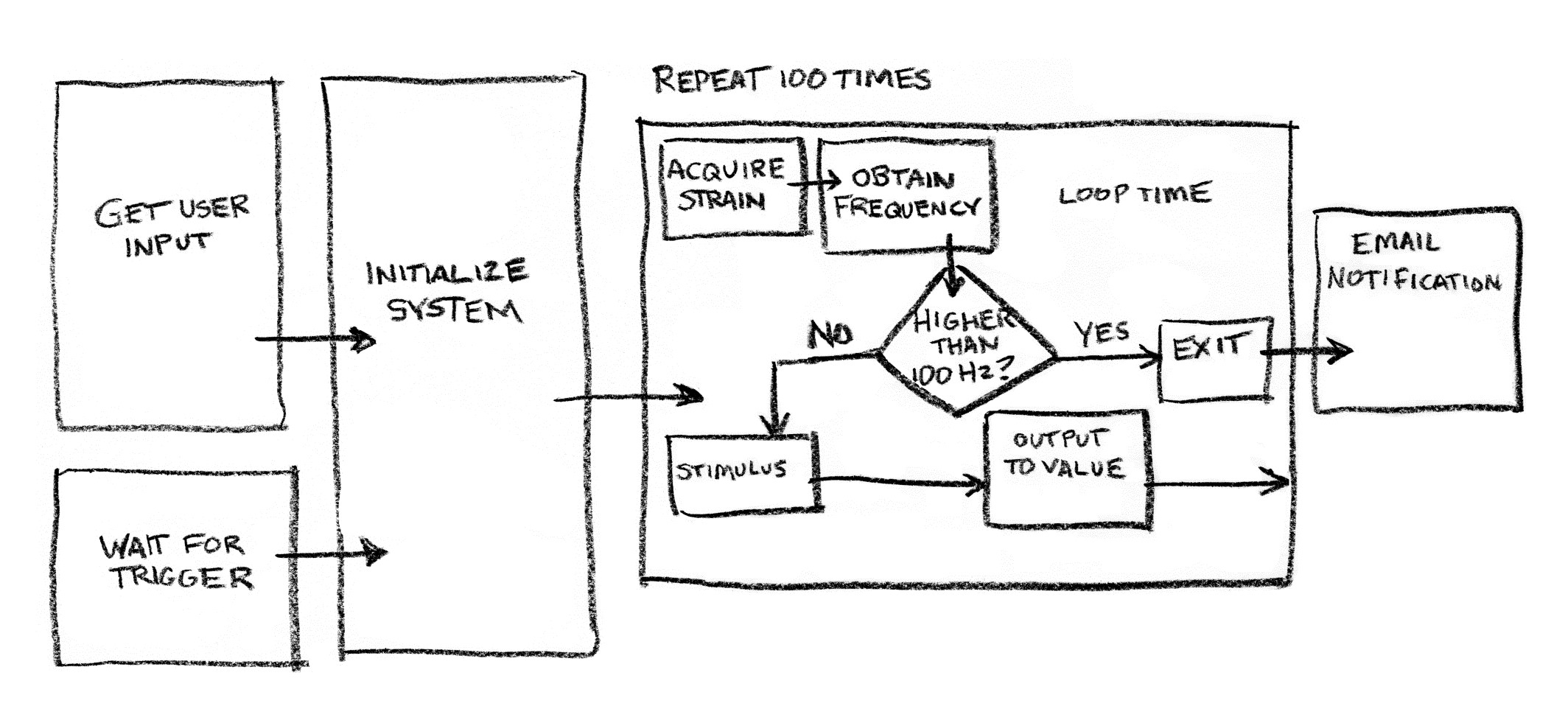
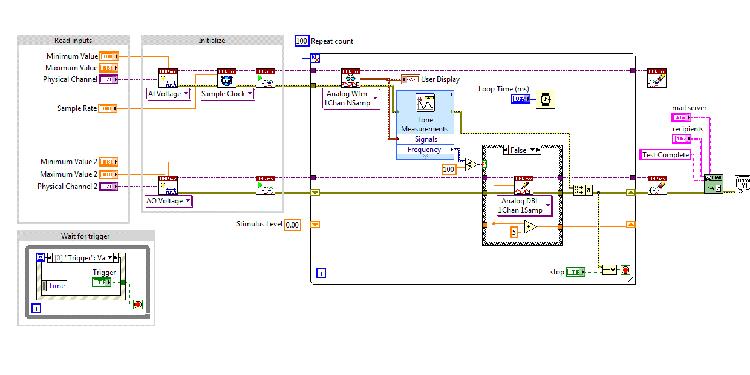
Program the Way You Think
2. Connect to All Your Hardware
- 7000+ drivers via NI Instrument Driver Network
- Support for Serial, USB, Ethernet, CAN, Modbus, OPC UA
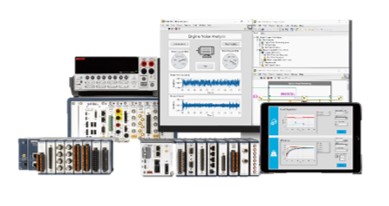
NI or 3rd Party Hardware
3. Use Other Languages, Too
- Integrate existing team code
- Use Python, C/C++, MATLAB, .NET
- ✓Meet with Nigel, AI Advisor: Introducing Nigel, an AI-powered test & measurement advisor trained on the NI platform.
- ✓Smarter Debugging:The new Debug Window added in LabVIEW 2025 Q3 combines probe and breakpoint management in a single location and replaces the Probe Watch Window.
- ✓Productivity Boosters:Use Ctrl+A to select all text whenever editing a text field, including in labels, string controls, and dialogs.
- ✓Generate VI Comparison Reports with Command Line Interface: A new command to the LabVIEW Command Line Interface for generating VI Comparison reports. Use Create Comparison Report along with the names of the two VIs you want to compare to output an HTML, XML, Word, or text file summarizing the differences between the files.
- ✓Left-Aligned Text for Improved Readability in Diagram Objects:In LabVIEW 2025 Q3, the text in some block diagram objects is left-aligned, for improved readability.
- ✓Added Context Help Notes Section for Vis: LabVIEW 2025 Q3 adds a Notes section to the Context Help for VIs to highlight settings that might be of interest when reviewing VI block diagrams
- ✓Support for .NET (Core) 8.0 Objects in Register Event Callback:The Register Event Callback function now supports handling .NET 8.0 objects.
- ✓Support for Additional Data Types in Array Export Commands:In LabVIEW 2025 Q3, the Export Data to Clipboard and Export Data to Excel commands in the right-click menu of arrays are enabled for arrays of paths as well as one-dimensional arrays of clusters containing only numeric, string, and path elements.